
Best vr treadmill 2026 searches usually come from one very real pain: you want natural movement in VR, but you don’t want to waste money on gear that feels gimmicky, loud, hard to set up, or just collects dust after two weeks.
In 2026, the “VR treadmill” label still covers very different products, from true omnidirectional treadmills to low-friction walking platforms, plus simpler alternatives that often deliver better value for most homes. So the goal is not to crown one magical winner, it’s to match the right style to your space, your headset, and the way you actually play.
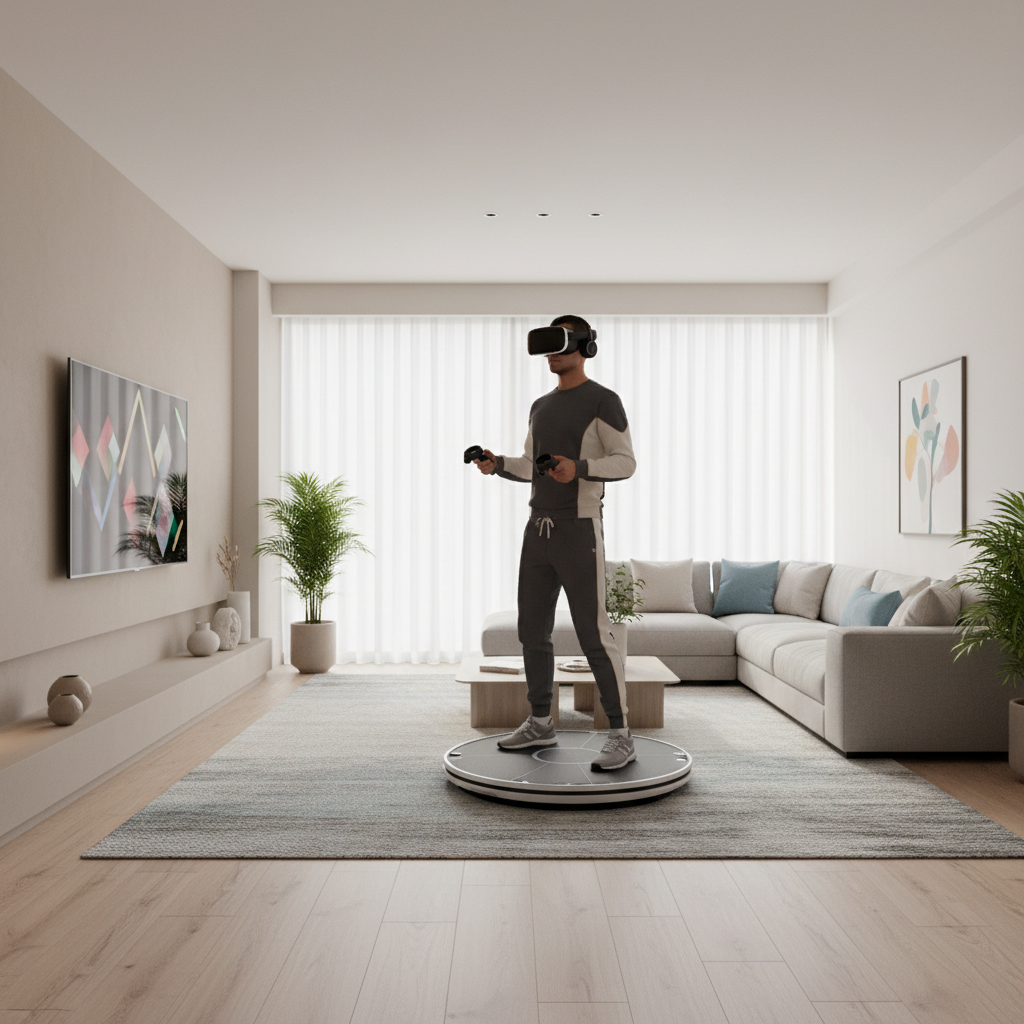
This guide breaks down what counts as a VR treadmill in 2026, which specs matter, what tends to disappoint buyers, and a practical shortlist approach so you can choose confidently without overbuying.
What “VR treadmill” means in 2026 (and why it’s confusing)
People say “treadmill,” but most consumer VR locomotion gear does not work like a gym treadmill. In practice, you’ll see three main categories, each with different tradeoffs.
- Omnidirectional treadmills (ODT): you wear special footwear and “walk” in place on a curved/low-friction base, often with a ring or harness. Best for room-scale walking but usually expensive, bulky, and louder than expected.
- Low-friction walking platforms: similar concept, but simpler, sometimes lighter, usually less immersive, sometimes easier to store.
- Non-treadmill locomotion alternatives: trackers, “walk-in-place” algorithms, or controller-based solutions that feel less physical but can be dramatically cheaper and easier for most homes.
One more thing people miss: a lot of the “best vr treadmill 2026” decision is really a compatibility and comfort decision, not a raw performance race.
Quick comparison table: which type fits your space and play style?
Use this table to narrow the category first, then worry about brand models and pricing.
| Option type | Best for | Typical downsides | Space & setup reality |
|---|---|---|---|
| Omnidirectional treadmill (ODT) | Dedicated VR rooms, long sessions, “walking as the point” | Cost, noise, learning curve, footwear constraints | Usually needs a fixed spot and time to calibrate |
| Low-friction platform | Apartment-friendly compromise, lighter use | Less natural stride, can feel slippery or awkward | May fit smaller rooms, still needs clear area |
| Trackers / walk-in-place | Most casual players, fitness-lite VR, lower budgets | Less “real walking,” can be game-dependent | Fast to set up, stores easily |
| Controller locomotion (baseline) | Seated/standing play, limited space | More motion discomfort for some users | No extra hardware |
Key buying criteria that actually matter (more than hype specs)
If you’re trying to pick the best vr treadmill 2026 option for your home, focus on these realities. They’re the difference between “used weekly” and “listed on Facebook Marketplace.”
1) Your headset + platform ecosystem compatibility
Before anything else, confirm your headset and PC/console setup can support the device’s tracking method and locomotion software. Some solutions shine on PCVR, while standalone headsets may require workarounds or limited integration.
According to SteamVR documentation, tracking reliability depends on proper base station placement and line-of-sight for optical systems, which is easy to underestimate in a cluttered room.
2) Comfort: harness, ring, footwear, and “heat buildup”
Harness systems can improve safety, but they also add friction points on hips and lower back, and they make quick entry/exit annoying. Footwear requirements can be a deal-breaker if multiple people share the setup.
- If you plan fitness sessions, prioritize breathability and ease of cleaning.
- If you share with family, prioritize adjustability and simple sizing.
3) Noise and floor impact
Many setups create vibration through the floor, even if the motor noise is low. If you’re in an apartment, you’ll want to think “downstairs neighbor” before you think “max immersion.” Soft mats can help, but they don’t fix everything.
4) Software support and game coverage
Ask a blunt question: will it work well with the 5–10 games you actually play? A lot of locomotion products rely on software layers that translate your movement into in-game inputs, which can feel great in one title and frustrating in another.
5) Storage, setup time, and friction to start a session
People talk about immersion, but daily reality is friction. If it takes 10 minutes to put on special shoes, adjust a ring, calibrate, and clear space, you will play less. That’s not a moral failure, it’s just how home entertainment works.
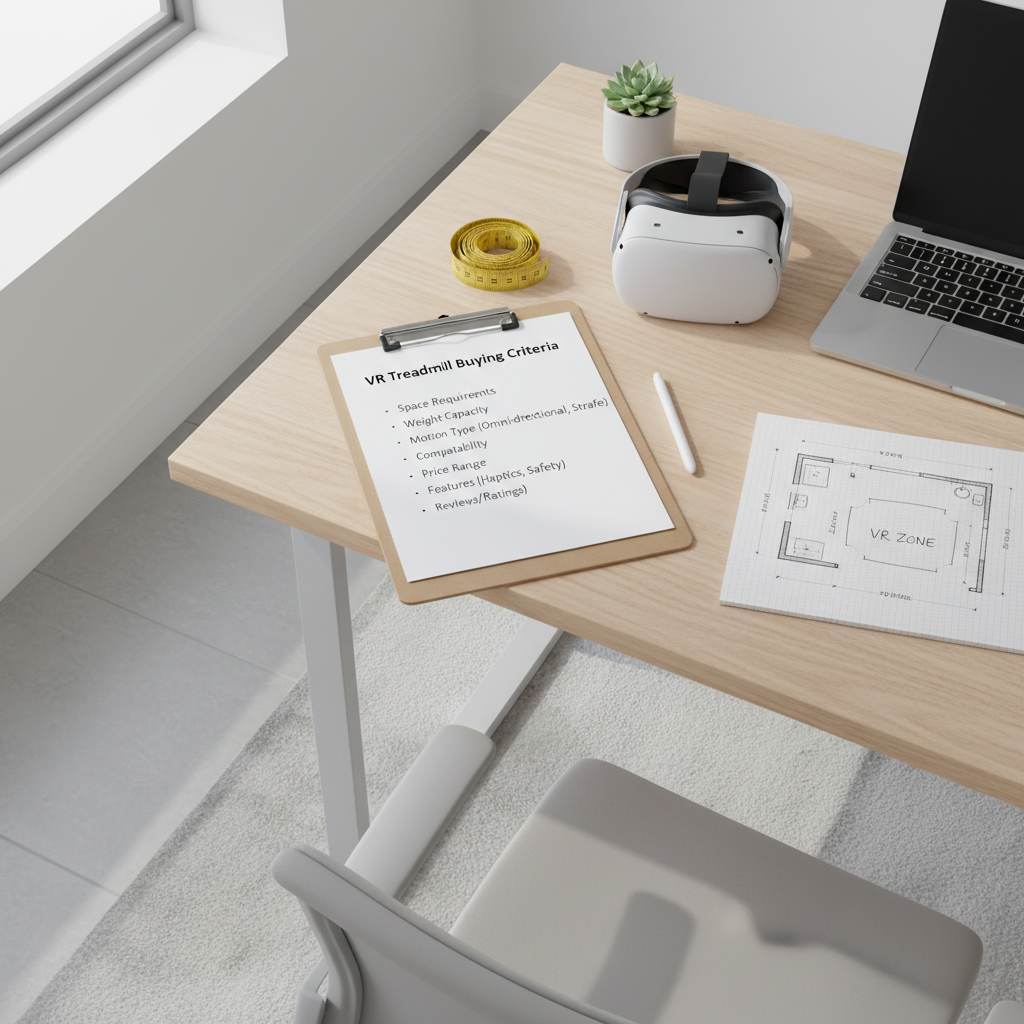
Self-check: are you actually a “VR treadmill” buyer?
Here’s a quick way to decide if you should pursue a full treadmill-style solution, or stick to simpler locomotion this year.
- You have a dedicated play area where a device can stay set up most of the time.
- You play walking-heavy games (exploration, survival, sim training), not only short rhythm sessions.
- You tolerate gear (harnesses, straps, special shoes) without it ruining the fun.
- You already solved motion discomfort with smooth locomotion or teleport options, and now you want the next step.
- You’re realistic about maintenance like cleaning surfaces, checking bolts, updating firmware, and recalibrating.
If you read that list and felt your enthusiasm drop, that’s useful information. Many people chasing the best vr treadmill 2026 experience are happier with trackers or well-tuned in-game locomotion settings.
Recommended “best VR treadmill 2026” picks by scenario (not by brand hype)
I’m avoiding a fake one-size-fits-all winner here because what’s “best” changes fast with pricing, regional availability, and software updates. Instead, pick the scenario that matches your life.
Scenario A: You want maximum immersion and you have a dedicated space
- Look for an ODT with a stable support ring or harness and strong community support.
- Prioritize ease of entry/exit and software update cadence, not just the hardware frame.
- Plan for floor protection and a realistic storage footprint.
Scenario B: You want “walking feel” but you live in an apartment
- Consider a compact low-friction platform or a tracker-based walk-in-place solution.
- Focus on noise control, vibration reduction mats, and simple calibration.
- Keep expectations grounded: you’re trading some realism for convenience.
Scenario C: You mainly want VR fitness, not full locomotion
- Often the smarter play is fitness-first VR accessories (grips, facial interface, sweat management) plus games designed for cardio.
- If you still want locomotion gear, pick something that doesn’t require complicated footwear or long setup.
Scenario D: You’re buying for a family or shared household
- Prioritize quick adjustability, clear safety boundaries, and easy cleaning.
- Avoid solutions that require each user to learn a finicky gait pattern, unless everyone is committed.
Practical setup tips: how to get better results in week one
Even the best vr treadmill 2026 hardware can feel wrong if your setup is sloppy. These steps usually improve the experience fast.
- Map your playspace with extra buffer: give yourself more clearance than you think you need, especially behind you.
- Calibrate when you’re fresh: do initial setup before a long session, not when you’re already sweaty and impatient.
- Start with short sessions: 10–15 minutes, then increase as your balance and stride adapt.
- Tune in-game comfort settings: vignette, turning mode, and acceleration settings can matter as much as hardware.
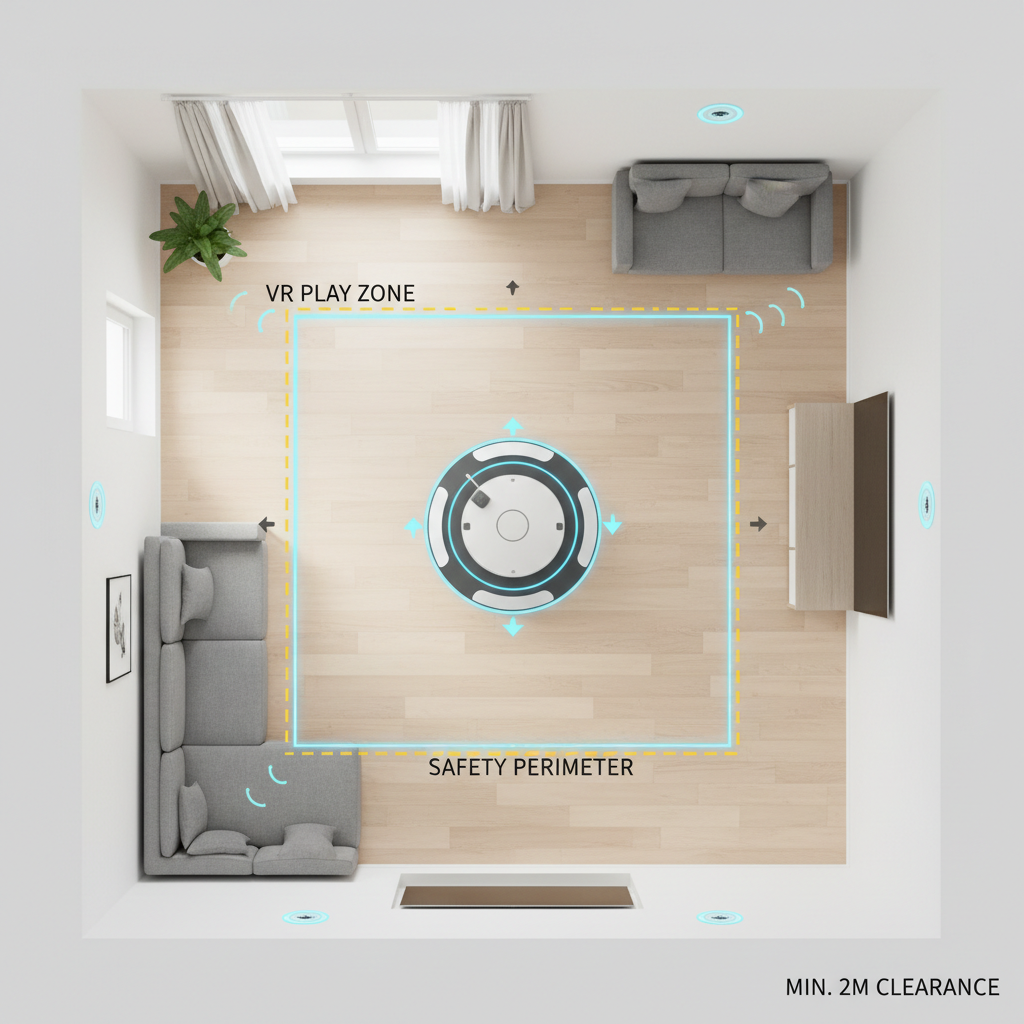
One small habit that helps: keep a “ready kit” nearby, microfiber cloth, spare socks or liners, and whatever tool the hardware uses for adjustments. Reducing friction keeps you playing.
Safety, comfort, and common mistakes to avoid
Treadmill-style VR adds movement complexity, which can raise fall risk if you rush. According to U.S. Consumer Product Safety Commission (CPSC), consumer product injuries often involve slips and falls, so it’s reasonable to treat locomotion gear as a safety-first purchase even if it feels like a toy.
- Don’t skip the learning curve: your first hour may feel awkward, and that’s normal.
- Watch for overuse: shin, knee, or hip discomfort can happen with unnatural stride patterns, if pain persists, consider pausing and consulting a qualified professional.
- Secure cables and pets: trip hazards get more dangerous when you’re visually blocked by a headset.
- Be cautious with kids: size/fit issues and impulse movement can add risk, adult supervision is sensible.
Also, don’t assume “more gear” means less motion sickness. Some users feel better with physical stepping, others still prefer teleport or snap turning. Your body gets a vote.
Conclusion: how to choose without overthinking it
If you want the best vr treadmill 2026 experience, start by choosing the right category for your home, then pick the product with the best compatibility and the lowest setup friction you can tolerate. Most disappointment comes from buying an ambitious setup for a lifestyle that can’t support it.
Action steps that usually work: make a short list of the games you’ll use, measure your available space, and decide whether you’ll realistically wear harnesses or special footwear. Once those are clear, the “best” choice tends to reveal itself.