
best vr train simulator games 2026 is a search you make when flat-screen train sims stop feeling “there,” but VR options still feel messy: old ports, half-finished early access builds, and comfort issues that can ruin a relaxing run.
If you want a shortlist that respects real-life constraints, headset compatibility, motion comfort, controller support, and how “sim” each game truly is, this guide narrows the field and explains why some titles click for certain players and disappoint others.
I’m also going to call out the stuff store pages gloss over: whether you’ll need community mods, how demanding the PC setup can get, and which features matter more than marketing keywords like “realistic.”
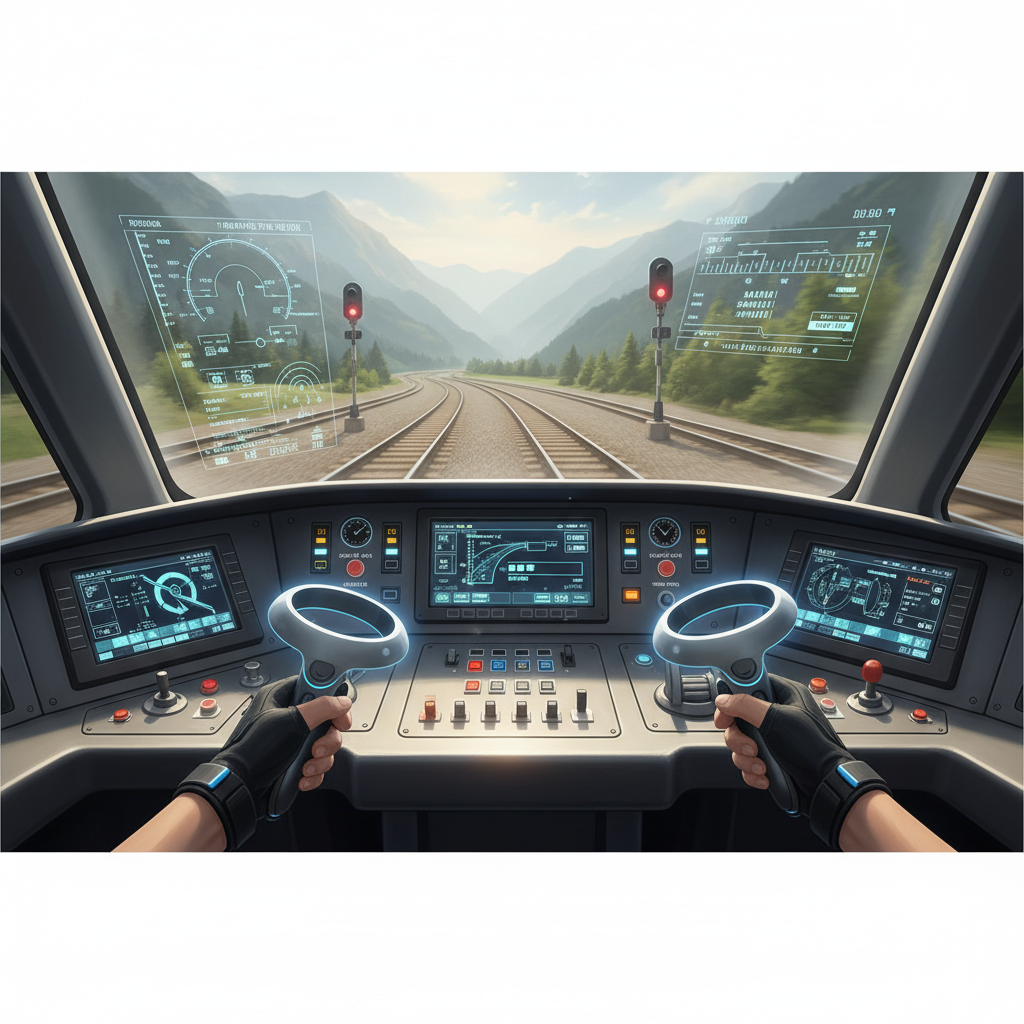
What “best” means in VR train sims (and why people disagree)
Train simulation is a broad church, and VR makes the differences louder. One person wants strict procedures, another wants a chill ride with great scenery, and someone else wants a sandbox with switches and freight yards.
- Realism vs. roleplay: A game can look authentic yet simplify braking curves, signaling, or timetables, which matters if you care about operations.
- Comfort settings: VR “smooth locomotion” inside stations, head-bob, camera shake, and forced seated/standing modes can decide whether you play 10 minutes or 2 hours.
- Content pipeline: Some sims rely on DLC routes, some rely on mods, and some ship with a small set of routes but deep interaction.
- Hardware reality: A beautiful cab with high-res textures can be a stutter factory if you’re on a midrange GPU, and stutter often feels worse in VR than on a monitor.
So when you’re comparing the best vr train simulator games 2026 contenders, you’re really comparing priorities, not just review scores.
Quick comparison table: pick a VR train sim by your goal
This table doesn’t pretend there’s one winner. It’s a practical map: what to try first based on how you want to spend your time in VR.
| What you want | Likely best fit | Why it works | Watch-outs |
|---|---|---|---|
| Hands-on driving, interactive cab | Derail Valley | Strong VR-first interaction, physical controls | More “railroading sandbox” than strict passenger sim |
| Big routes, passenger services, brand trains | Train Sim World (VR-supported editions vary) | Lots of routes and DLC ecosystem | VR support can be platform/version dependent, performance sensitive |
| Relaxed scenic rides | Tourist/experience-style VR rail titles | Low complexity, easy to jump in | Often light on procedures and depth |
| Procedures, signaling, hardcore operations | PC sim + VR via mods/third-party tools | Deep simulation models in the PC sim space | Setup time, mod stability, not always “true VR” interaction |
The short list: VR train simulator games worth your time in 2026
I’m focusing on titles that players commonly use as “main games” rather than a one-night novelty. Availability and VR support can change, so confirm headset/platform support before you buy.
Derail Valley (PC VR)
If your idea of a good evening is running freight, working yards, and actually using your hands in the cab, Derail Valley tends to be the safest recommendation. It’s the rare case where VR interaction feels like the point, not an afterthought.
- Best for: Physical cab interaction, freight logistics, sandbox progression
- Feels like: “Job simulator meets train operations,” in a good way
- Consider if: You can accept less focus on real-world passenger schedules
Train Sim World (VR options, depending on platform/version)
Train Sim World is the obvious name for route variety and branded equipment, but VR is where you have to be picky. Some versions and platforms offer VR features while others don’t, and performance expectations can be higher than the store page implies.
- Best for: Route collecting, passenger runs, recognizable rail brands
- Strong points: Scenery density, route DLC catalog, structured services
- Watch-outs: VR comfort and frame pacing can vary by route and hardware
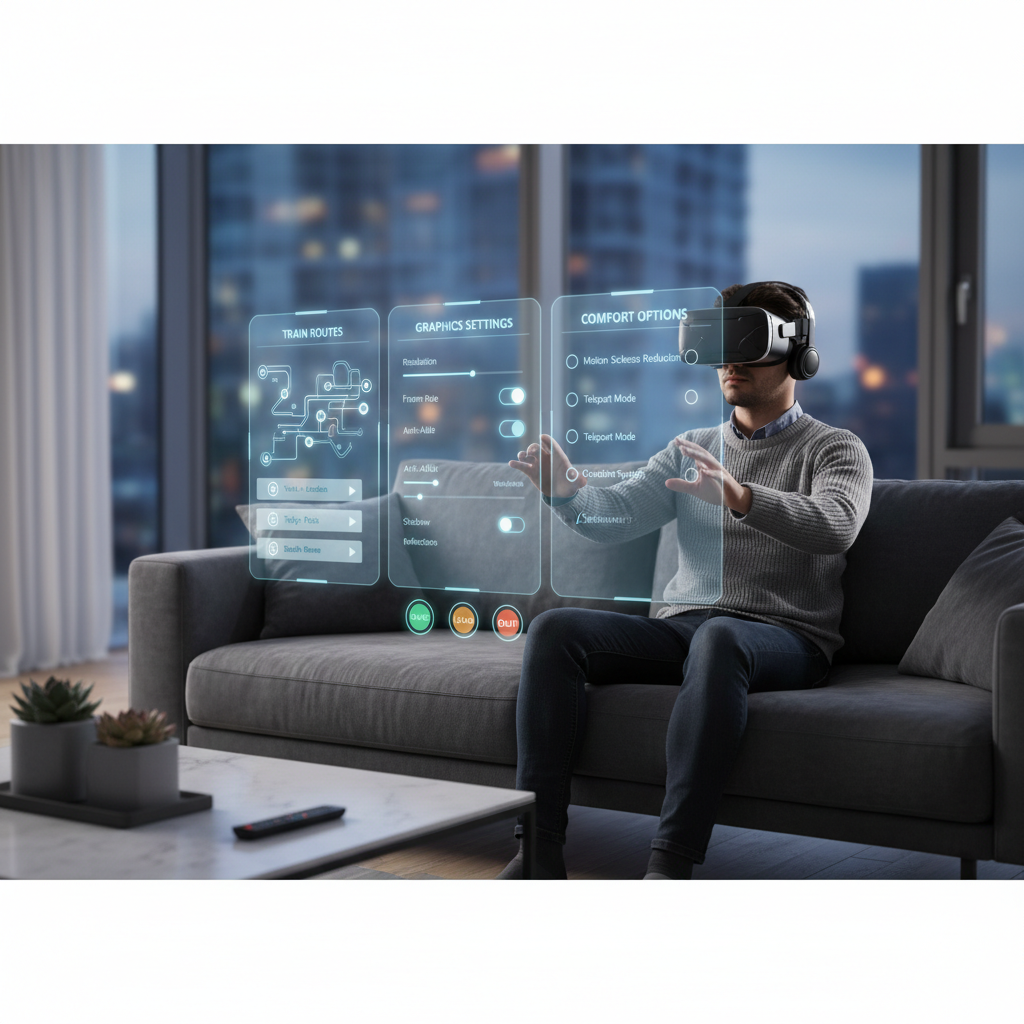
VR passenger/experience rail titles (Quest/PC VR)
There’s a whole category of VR rail experiences that are lighter on simulation and heavier on “sit in a cab and enjoy.” These are often underrated for people who mainly want calm, low-stress sessions.
- Best for: Casual play, low learning curve, scenic relaxation
- Good sign: Clear comfort options and seated play support
- Common limitation: Few systems, limited route variety, simpler physics
PC train sims with community VR solutions (advanced route)
If you’re chasing deep signaling rules, timetable authenticity, or niche regions, you may end up with a traditional PC simulator and then add VR through community tools. This can be excellent, but it’s rarely plug-and-play.
- Best for: Hardcore sim depth, long routes, specialized rolling stock
- Reality check: “VR support” might mean VR camera, not full hand interaction
- Who should avoid: Anyone who hates troubleshooting or tweaking settings
How to tell which one you’ll actually keep playing (a quick self-check)
Before spending money, answer these honestly. Most “bad purchases” happen because the game is fine, but it’s the wrong category for your brain.
- Do you want to use your hands? If yes, prioritize VR-first interaction over route count.
- Do you get motion sickness? If you’re not sure, assume “maybe,” then choose titles with strong comfort settings.
- Do you want missions or sandbox? Missions keep you moving, sandbox keeps you tinkering.
- Do you care about real-world procedures? If yes, check whether the sim models signaling, safety systems, and braking properly, not just “looks realistic.”
- What headset and GPU are you on? Midrange rigs can still shine, but you’ll want smart settings and maybe lower supersampling.
Once you do this, the best vr train simulator games 2026 list becomes less about hype and more about fit.
Practical setup tips (comfort, controls, and performance)
VR train sims are unusually sensitive to comfort and clarity. Small tweaks can change the whole experience.
Comfort: reduce nausea without ruining immersion
- Lock camera to the cab when possible, excessive camera shake often causes discomfort.
- Use seated mode if the game supports it, trains are naturally seated experiences anyway.
- Ease into long sessions, start with 10–20 minutes if you’re new to VR.
According to Mayo Clinic guidance on motion sickness, limiting triggers and taking breaks can help many people, if symptoms are frequent or severe, it’s sensible to consult a clinician.
Controls: pick a “main” input method and stick with it
- VR controllers feel great for levers and switches, but some sims still handle throttles better with a gamepad.
- Keyboard/mouse in VR can work, but only if you have a consistent physical layout you can find by touch.
- Remap early, don’t wait until you’re in a timed scenario to discover the horn is unbound.
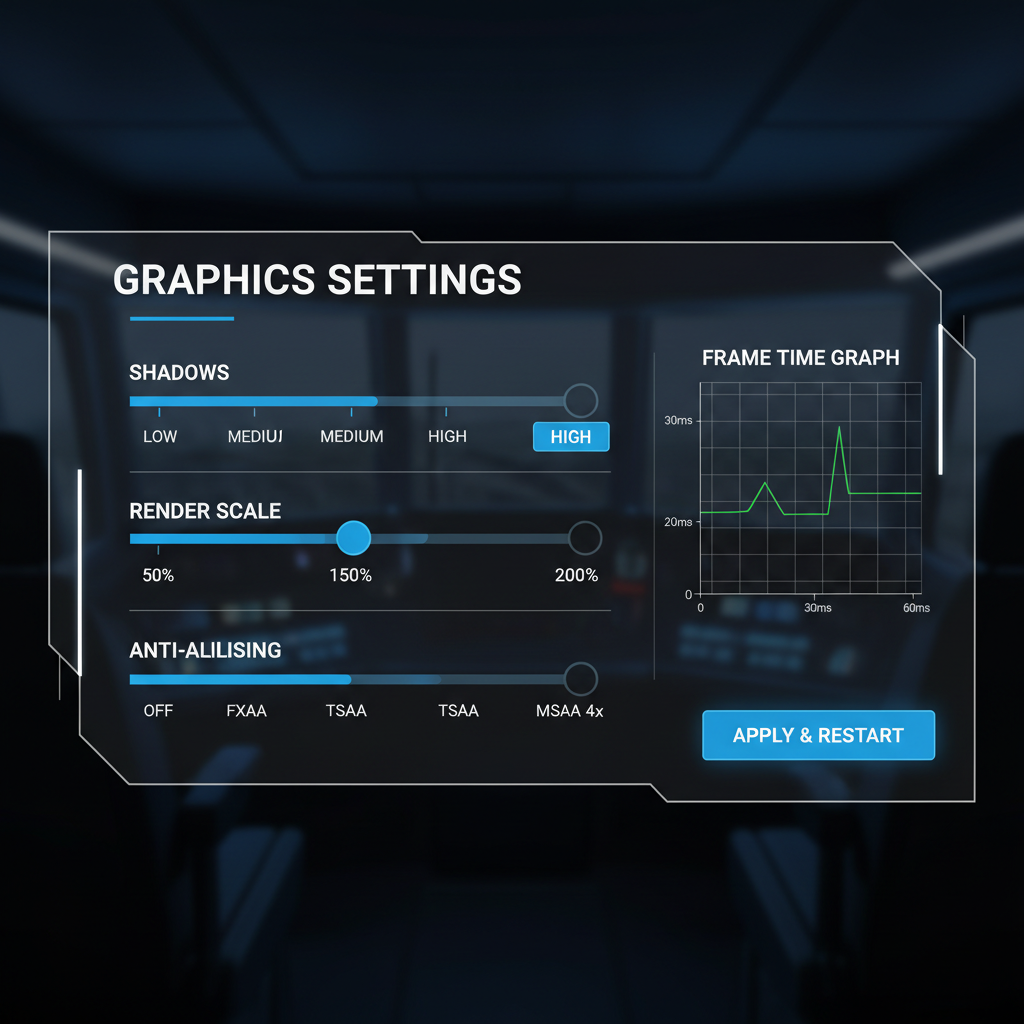
Performance: prioritize stable frame pacing
- Lower shadows and volumetrics first, they often cost more than you expect in VR.
- Use a sensible render scale, crisp gauges matter more than ultra-distant foliage detail.
- Avoid background spikes, close browser tabs, overlays, and downloads during play.
Common mistakes that make a “good” VR train sim feel bad
A lot of negative reviews are really configuration pain. Not always, but often.
- Buying for route count, not interaction, then realizing you wanted hands-on driving more than new scenery.
- Maxing settings because it runs on monitor, VR needs extra headroom for smoothness.
- Ignoring comfort options, even small vignetting or reduced shake can change everything.
- Expecting “sim” to mean “training tool”, most consumer sims make tradeoffs for fun and accessibility.
If you keep bouncing off the category, it may not be VR itself, it might be that you’re trying the wrong style of train sim for your preference.
When it’s worth asking for expert help (or at least better advice)
If you’re dealing with persistent nausea, headaches, or eye strain, consider talking with a healthcare professional, especially if symptoms show up outside VR as well. Comfort can be improved with settings and fit tweaks, but health is the priority.
On the technical side, if your PC stutters despite reasonable settings, a quick check with a knowledgeable friend or a reputable PC repair shop can save hours, VR performance issues often come from drivers, background apps, or unstable frame times rather than raw GPU power.
Conclusion: how to choose your “best” VR train sim in 2026
The most reliable path is simple: pick the experience you want, then match it to the title category that actually delivers it. If you want tactile cab work and freight problem-solving, start with a VR-first sim. If you want a library of routes and structured services, look for a platform with a proven route ecosystem and verify its VR support on your exact setup.
Action steps that usually work: write down your top two priorities, then buy one title that nails those two, not five titles that “kind of” do. After a week, you’ll know what to upgrade next, and you’ll be choosing from the best vr train simulator games 2026 options based on lived preference, not store screenshots.
Key takeaways
- VR-first interaction often beats route quantity for long-term enjoyment.
- Comfort settings matter as much as graphics in train sims.
- Stable performance feels better than ultra settings.
- “Best” depends on your goal, sandbox freight, passenger services, or scenic relaxation.