
Best keyboard shortcuts for mmorpg gameplay usually come down to one thing: getting your most-used actions onto keys your fingers can hit without thinking, even when your screen turns into visual chaos.
If your MMO combat feels like you’re always a half-second late, it’s rarely “bad reflexes.” More often it’s a layout problem: keybinds scattered across the keyboard, too many modifiers, and no consistent logic between movement, defensives, interrupts, and utility.
This guide focuses on shortcuts you can apply in almost any MMORPG, whether you play with a standard keyboard, an MMO mouse, or something in between. You’ll get a clean baseline layout, a quick self-check, and a few power-user tricks that don’t require turning your game into a spreadsheet.
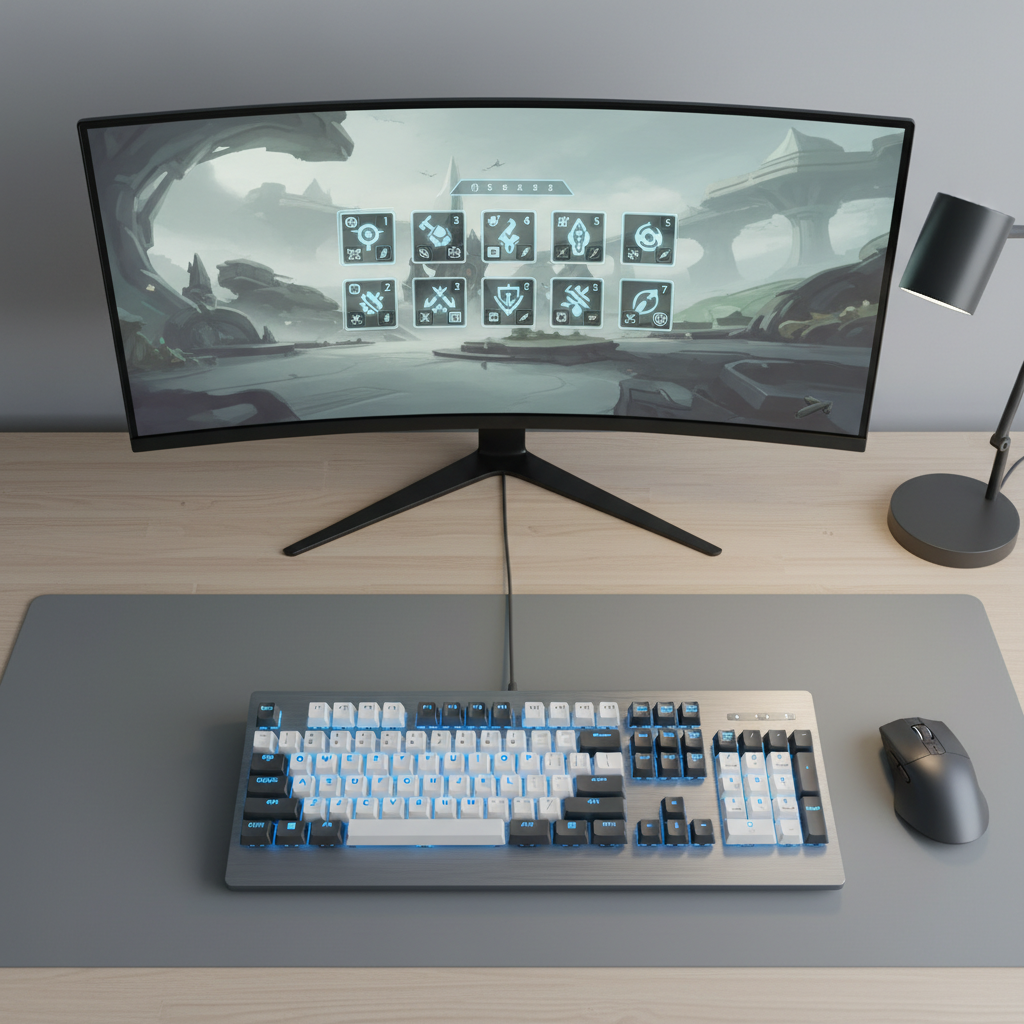
What “good” MMORPG shortcuts actually solve
Before copying someone else’s binds, it helps to name the real problem. In most cases, good shortcuts solve access, consistency, and panic-proofing.
- Access: Your highest-frequency skills sit on the easiest keys (near WASD) so you stop reaching for 7, 8, 9 mid-fight.
- Consistency: Similar actions always live in the same “zone,” even across alts. Your interrupt key stays your interrupt key.
- Panic-proofing: Your lifesavers (defensives, cleanse, movement) work even when you’re stressed, so they can’t be buried behind awkward combos.
According to Microsoft accessibility guidance, reducing awkward hand positions and repeated strain can improve comfort during extended keyboard use. That doesn’t “prove” one MMO layout is best, but it supports a common-sense approach: bind around natural reach and avoid contorting your hand for core skills.
Quick self-check: what type of keybind problem do you have?
Most players don’t need more shortcuts, they need fewer, arranged better. Use this quick checklist and be honest.
- You click more than 30–40% of combat skills with the mouse.
- Your interrupt is not on a single key you can hit instantly.
- You use 3+ modifier layers for core rotation (example: Shift+Alt+key) and still miss keys.
- Your movement keys get “stuck” because you can’t strafe and use abilities comfortably.
- You can’t describe your layout logic in one sentence.
If two or more feel true, the fix is usually a reset: rebuild a simple map, then add complexity only where it earns its keep.
A practical shortcut map (works in most MMORPGs)
This is a reliable baseline many players adapt. The goal: keep rotation, burst, and reactions inside a small cluster.
Core cluster: the keys most hands can reach
- 1–5: Main rotation (your “always pressing” buttons).
- Q, E, R, F: High-priority combat tools (proc spender, short cooldown, mobility, execute, etc.).
- Z, X, C, V: Utility and panic buttons (cleanse, defensive, self-heal, emergency movement).
- T / G: Situational but frequent (taunt, focus action, pet control).
Keep your most time-sensitive reaction (interrupt, stun, kick) on a key you hit without aiming, typically Q, E, R, or F. If you already use Q/E for strafe, use R/F or a mouse side button instead.
Modifier rule that stays sane
For best keyboard shortcuts for mmorpg gameplay, a simple modifier policy tends to win:
- Shift = “same skill family, stronger version” (AoE version, longer cooldown, burst window).
- Ctrl = “utility/menus” (mount, map, consumables, profession, UI toggles).
- Avoid stacking modifiers for combat unless your hand comfort stays solid.
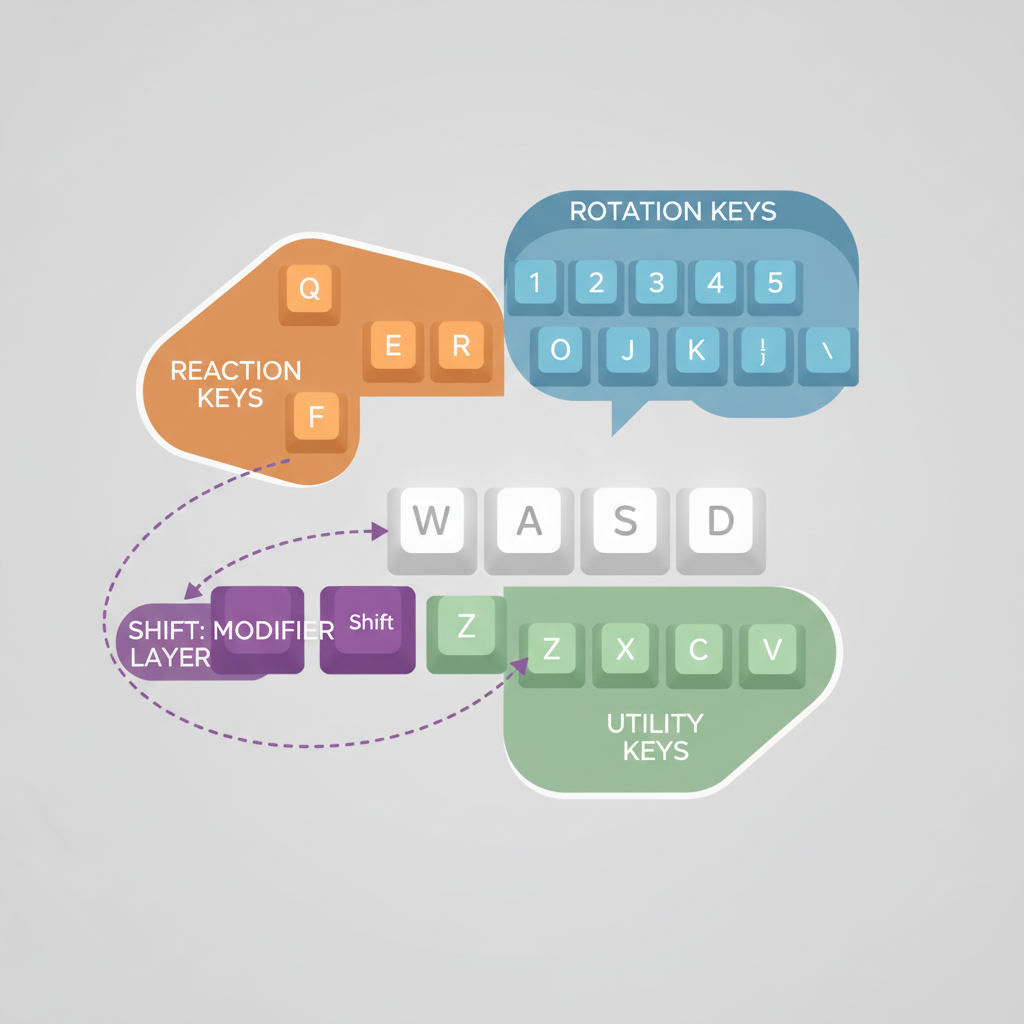
Shortcut table: suggested binds by action type
Use this as a starting template, then swap based on your class and comfort. The point is the pattern, not the exact key.
| Action type | Recommended keys | Why it works in fights |
|---|---|---|
| Main rotation | 1–5 | Easy rhythm keys, minimal hand travel |
| Interrupt / Kick | Q / E / R / F | Fastest reaction access, no reaching |
| Major defensive | X / C / V | Panic-proof zone, easy to slam |
| Mobility (dash/blink) | E / F / Mouse side | Works while moving, reduces missteps |
| Target swap / Focus | T / G / Mouse wheel click | Quick decision actions without breaking rotation |
| Cooldowns (burst) | Shift+1–5 | Same muscle memory as rotation, different layer |
| Consumables | Ctrl+1–4 | Prevents accidental use mid-rotation |
Real-world setups: choose the one that matches your gear
Different peripherals change what “best” means. Here are practical approaches that usually translate across games.
1) Keyboard-only (no MMO mouse)
- Commit to the WASD neighborhood and keep your rotation inside 1–5 plus QERF.
- Reserve ZXCV for defensives and self-sustain so you stop hunting for them.
- Use one combat modifier (often Shift), and keep Ctrl for non-combat.
If you feel cramped, consider changing strafe to A/D and turn with mouse, or keep A/D as strafe and bind turn elsewhere. Many players end up happier once the mouse handles camera and turning.
2) MMO mouse (12-button thumb grid)
- Put rotation on the mouse grid (1–12), keep interrupts/defensives on keyboard for “slam reliability.”
- Or flip it: rotation on keyboard, utility on mouse. This helps if your thumb accuracy suffers under pressure.
Either way, keep a clear story: “mouse = rotation,” “keyboard = reactions,” or the reverse. Mixing without rules is where binds get messy fast.
3) Hybrid (2–3 side buttons only)
- Assign side buttons to interrupt and mobility, because those are timing-sensitive and benefit from a dedicated finger.
- Use keyboard for everything else, with Shift layer for cooldowns.
Practical implementation: rebuild your binds in 20 minutes
Here’s a workflow that doesn’t spiral. You can do it in one sitting, then refine across a few sessions.
- Step 1: Write down your top 8 most-pressed skills (rotation, builder/spender, filler, proc).
- Step 2: Put them on 1–5 and QER, then play a dummy or low-stakes content for 5 minutes.
- Step 3: Assign your three “oh no” buttons (defensive, self-heal, movement) to ZXC or XCV.
- Step 4: Add interrupt and crowd control on the easiest keys you can hit while moving.
- Step 5: Only now add Shift versions for cooldowns, keeping the same shape as the base keys.
When you test, watch for one specific failure: do you stop moving to press buttons. If yes, your most-used skills are too far away or your hand position fights your movement bindings.
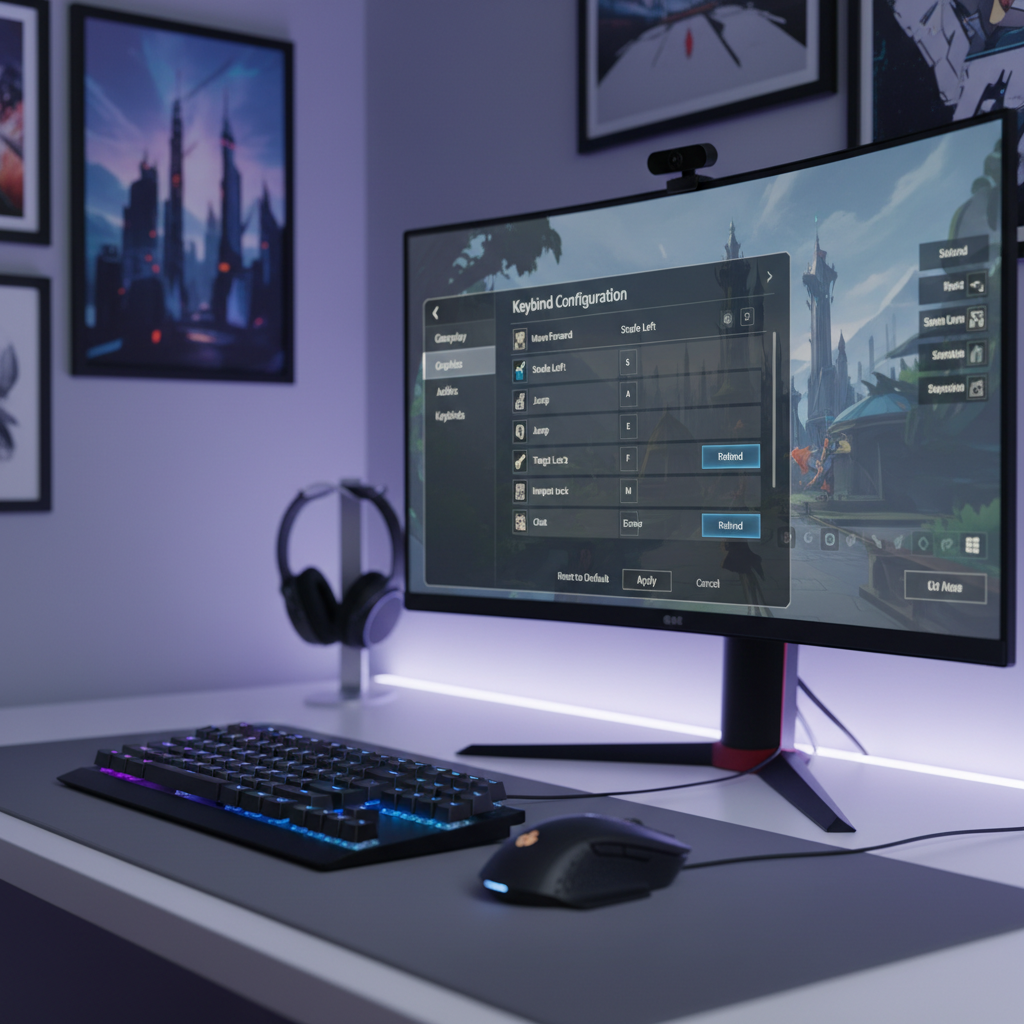
Common mistakes that make shortcuts worse (even if they look “pro”)
A lot of “advanced” layouts fail because they’re built for someone else’s hands, someone else’s class, or someone else’s tolerance for modifiers.
- Overbinding early: If you bind 30 actions in one go, you’ll forget half and revert to clicking.
- Interrupt on a reach key: The best keyboard shortcuts for mmorpg gameplay put interrupts where you can hit them while strafing.
- Two modifiers for core combat: Shift+Alt+key looks efficient, but under stress it often turns into misfires.
- No separation between combat and life skills: Mount, map, inventory, and consumables should not compete with combat muscle memory.
- Ignoring comfort: If your wrist or fingers start to ache, adjust. Prolonged discomfort can become an injury; consider a more ergonomic setup or ask a medical professional if pain persists.
Key takeaways (save this)
- Cluster matters more than quantity: Keep high-usage skills around WASD and stop reaching.
- Make reactions brainless: Interrupt, defensive, and mobility need premium keys.
- Use modifiers with rules: Shift for combat layers, Ctrl for non-combat reduces mistakes.
- Test in low-stakes content: Adjust based on where you freeze, not where you think you freeze.
If you change just one thing today, move your interrupt and main defensive onto keys you can hit instantly. That small shift tends to make everything else feel calmer.
FAQ
What are the best keyboard shortcuts for mmorpg gameplay if I’m new?
Start with 1–5 for rotation and Q/E/R/F for your most important reactions. Keep only one combat modifier (usually Shift) until you stop thinking about the basics.
Should I bind strafing or turning to A/D?
Many players prefer A/D to strafe and let the mouse handle turning, because it keeps movement fluid while casting. But it’s preference-heavy, if your game or class relies on keyboard turning, adjust cautiously and test in easy content.
Where should I put my interrupt in an MMO?
Put it on a single key you can hit while moving, often Q, E, R, F, or a mouse side button. If you notice you “see the cast” but still miss it, your interrupt bind probably needs to move closer.
Are macros worth using for MMORPG keybinds?
Simple macros can help, like focus interrupts or mouseover utility, when the game allows them. Avoid macros that hide decision-making you actually need, because they can create confusion in new encounters.
How many keybinds is too many?
If you can’t reliably press a bind in a hectic fight, it’s effectively not bound. A tighter set you can execute tends to outperform a huge layout you half-remember.
Do I need an MMO mouse for good performance?
No. An MMO mouse can reduce reaching, but a clean keyboard layout often does most of the work. If your thumb accuracy is inconsistent, you might even play better with fewer mouse buttons.
Why do my new binds feel worse at first?
Because muscle memory fights you for a while. Give it a few sessions, and keep changes small after the first rebuild so your brain can “lock in” the pattern.
Closing thoughts
Best keyboard shortcuts for mmorpg gameplay aren’t about copying a streamer’s setup, they’re about building a layout your hands can repeat under pressure. Pick a simple cluster, reserve premium keys for reactions, and add layers slowly.
If you want a low-effort next step, take five minutes, move your interrupt and primary defensive to your easiest keys, then run a couple of dungeons or battlegrounds to see what still feels awkward, that feedback is the fastest path to a layout that sticks.