
Party games for online multiplayer work best when they remove friction: simple rules, low buy-in, and enough chaos to keep everyone talking, even when the group chat starts drifting. If your usual game nights stall out in menus, installs, or “wait, what are we doing?”, you’re not alone.
The good news is you don’t need a massive library or a perfect mix of “hardcore” and “casual” players. You need a short list of reliable titles, a few hosting habits, and a way to pick quickly based on group size, devices, and vibe.

This guide gives you a practical way to choose party games that actually land, a quick comparison table, and setup tips that reduce the “can you hear me?” spiral. I’ll also flag the common traps that make online sessions feel longer than they should.
What makes an online party game actually work
Not every “multiplayer” game behaves like a party game. The ones that succeed online usually share a few traits that matter more than graphics or even genre.
- Fast onboarding: players can join in minutes, not after a 12 GB update.
- Short rounds: regular reset points keep late joiners from feeling behind.
- Built-in prompts: the game generates conversation so you don’t have to carry the room.
- Low punishment: people can mess up and still laugh, not quietly rage-quit.
- Good spectator value: even eliminated players have something to watch or do.
According to ESRB, online interactions are not rated, which is a gentle reminder to double-check voice/text settings if you’re playing with new people or in public lobbies.
Quick comparison table: pick by group size, device, and vibe
If your group spends 15 minutes debating, you’ll feel like the night is half gone before round one. Use this table to narrow the options fast, then vote on one.
| Game type | Best for | Typical group size | Devices | Why it works |
|---|---|---|---|---|
| Social deduction | Talkative groups | 6–12 | PC/Console/Mobile (varies) | Conversation drives the fun, not mechanical skill |
| Trivia + word games | Mixed skill levels | 4–10 | Often phone-friendly | Simple rules, quick rounds, easy to host |
| Co-op chaos | Close friends | 2–6 | PC/Console | Shared mistakes become jokes, great for voice chat |
| Drawing/creativity | People who like to improvise | 4–8 | PC + phones/tablets (common) | Funny outcomes even if you “can’t draw” |
| Browser mini-games | Low-commitment nights | 3–12 | Any device with a browser | No installs, easy to rotate games |
Reliable picks for party games for online multiplayer (by vibe)
Below are categories you can build a “rotation” around. The titles are examples, but the bigger win is matching the vibe to your group that night.
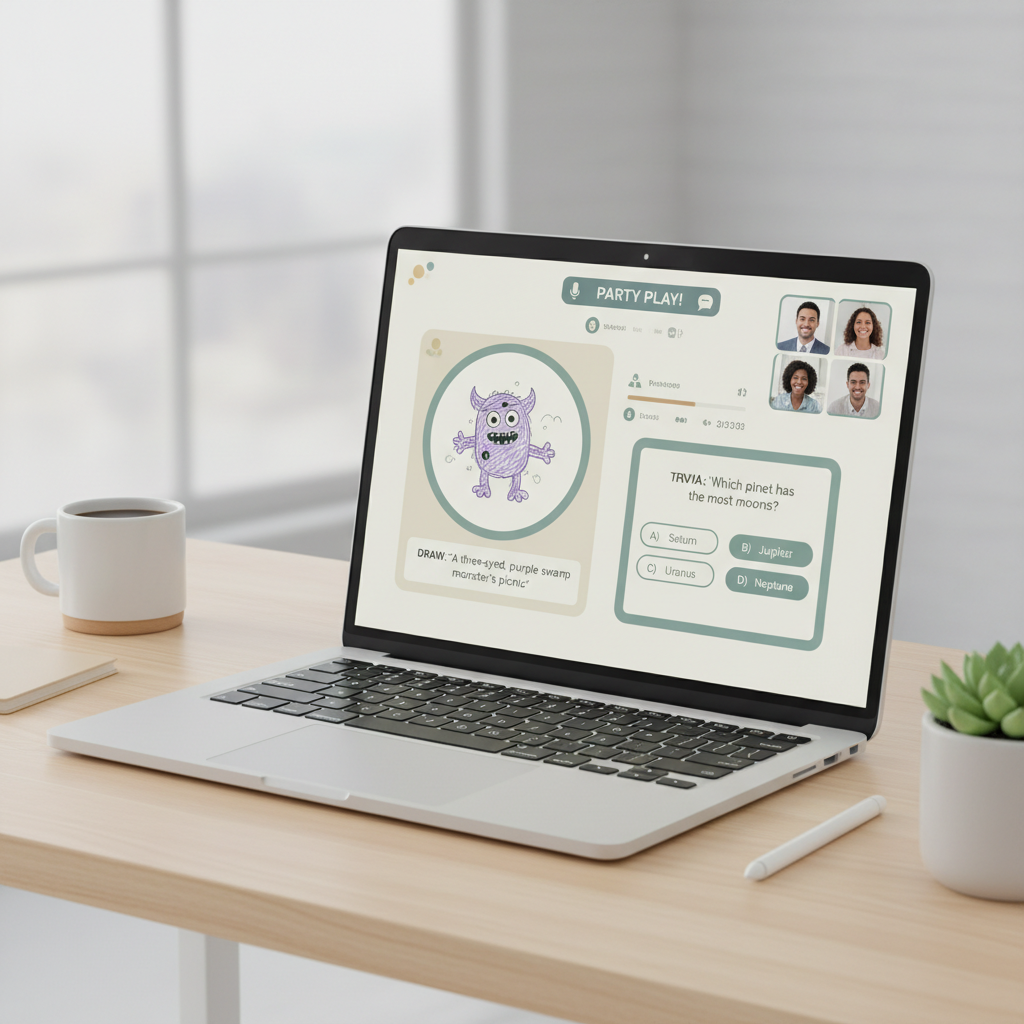
1) Laugh-first, low-pressure games
- Jackbox Party Pack series: great when you need phones as controllers and want instant prompts.
- Gartic Phone: broken-telephone drawing that stays funny even with terrible art.
- Use Your Words: caption-style humor with light competition.
These are ideal when half the group shows up tired and nobody wants a rules lecture.
2) Social deduction when the group wants drama (the fun kind)
- Among Us: still a classic for accusations, alibis, and chaos.
- Goose Goose Duck: similar energy with extra roles, can fit larger lobbies.
- Project Winter: deeper betrayal loop, better for groups who like heavier rules.
This category shines when people are willing to talk. If your friends are quiet online, it can flop, so be honest about your group’s energy.
3) Co-op chaos for small groups that like to “lock in”
- Overcooked! 2: communication under pressure, funny mistakes, short levels.
- PlateUp!: restaurant roguelite loop, great for “one more run” nights.
- Keep Talking and Nobody Explodes: one person sees the bomb, others read the manual, pure communication test.
If you’re picking party games for online multiplayer with only 2–4 people, co-op chaos tends to outperform big-room games because everyone stays engaged.
4) “We just want something easy” browser-friendly options
- Skribbl.io: quick drawing guessing, minimal setup.
- GeoGuessr party lobbies: exploration plus friendly competition, works well with screen share.
- Codenames Online variants: word association, good pace for voice chat.
The value here is speed: fewer installs, fewer platform issues, more time actually playing.
A quick self-check: which option fits your group tonight?
Before you pick a game, answer these in the group chat. It saves time and avoids the “we chose the wrong vibe” problem.
- How many players, realistically? If people drift in and out, prefer short rounds and easy rejoin.
- What devices do people have? If someone is on a work laptop, avoid demanding 3D titles.
- Do we want to talk a lot? If yes, social deduction and bluffing thrive; if no, choose trivia or co-op.
- Is anyone new to gaming? Pick low punishment games with forgiving controls.
- Do we need crossplay? If your group splits between console and PC, verify before committing.
If two or more answers point to “keep it simple,” don’t force a complex game “because it’s better.” Online, “better” often means “harder to start.”
Hosting tips that prevent the usual online game-night problems
The host doesn’t need to be a leader, but someone has to reduce friction. These small moves usually improve the night more than buying a new game.
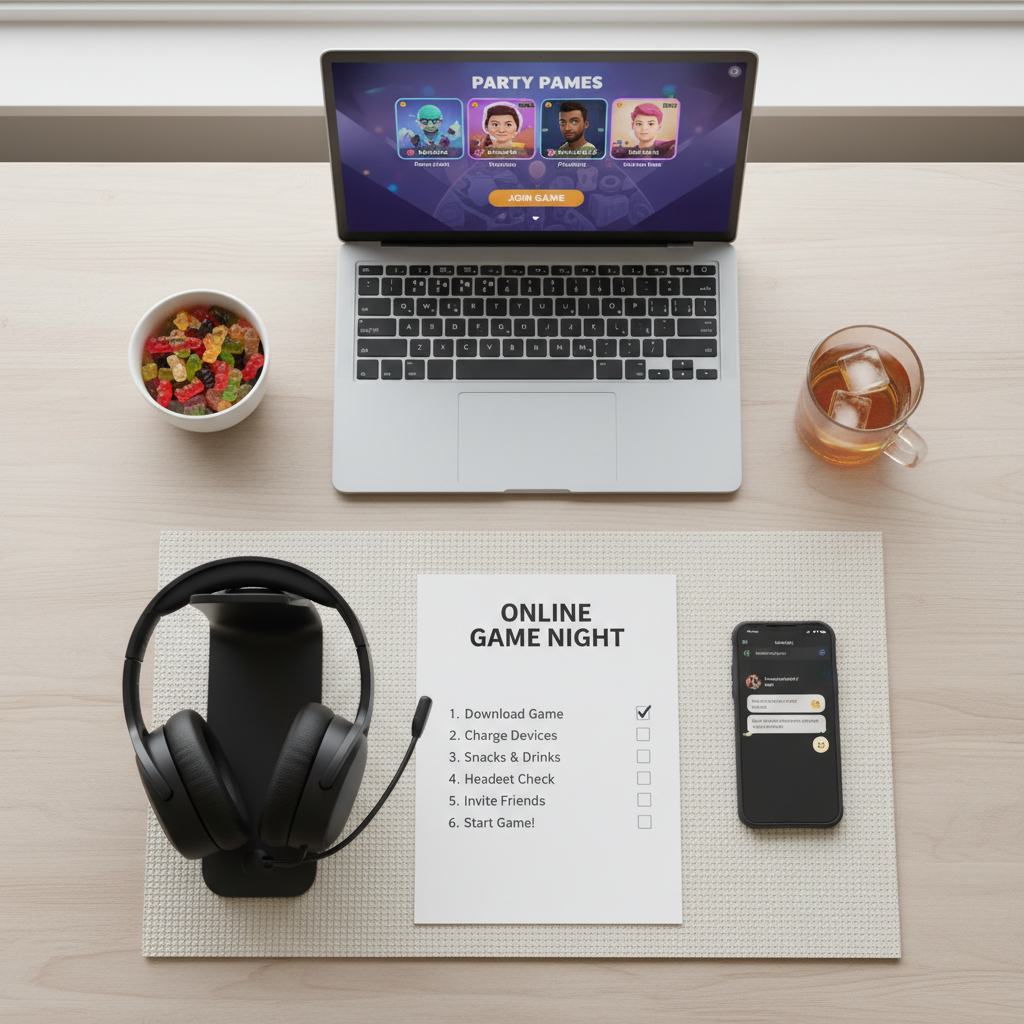
- Pick two options, not ten: post a quick poll, then commit.
- Ask for updates early: if you’re launching a PC game, remind people 30–60 minutes ahead so downloads don’t kill momentum.
- Set voice chat rules: push-to-talk or mute when eating can save everyone’s patience.
- Use a “late join” plan: choose modes that let people enter between rounds without derailing.
- Keep a 10-minute backup: a browser game or quick Jackbox round can fill gaps when someone disconnects.
According to Discord, voice and text features are designed to help groups coordinate in real time, but the best results still come from simple etiquette like muting background noise and keeping one channel per activity.
Common mistakes (and how to dodge them)
Most online game nights don’t fail because the game is bad, they fail because the setup creates awkward dead air.
- Choosing a “content” game when nobody wants homework: deep strategy can be amazing, just not for a casual Friday drop-in.
- Ignoring accessibility: motion sickness, colorblind modes, or fast camera movement can be real blockers for some players, and it’s usually better to swap games than argue.
- Mixing public lobbies with private friend vibes: if you want a relaxed space, use private rooms when available.
- Letting one person explain rules for 12 minutes: instead, start a practice round and explain as you go.
When you’re trying party games for online multiplayer with a mixed group, the “practice round” trick is often the difference between people staying or quietly disappearing.
Practical game-night plan: a simple 60–90 minute flow
If you want something you can repeat weekly, this structure tends to feel natural and keeps the energy up.
- 10 minutes: check audio, confirm who’s in, pick between two games.
- 25–35 minutes: main game block with short rounds.
- 5 minutes: quick reset, water break, let late joiners catch up.
- 25–35 minutes: second block, either same game or a lighter switch.
- 5 minutes: end on a high note, share “same time next week?”
If the group feels split, run a short trivia or drawing game as a warm-up, then move to the more intense pick once everyone’s talking.
Conclusion: pick for people, not for “the best game”
The fastest way to improve online hangouts is choosing games that match your group’s reality: devices, attention span, and how much people want to talk. Keep a small rotation, host with light structure, and you’ll spend more time laughing and less time troubleshooting.
Key takeaways: pick quick-onboarding titles, favor short rounds, and keep a backup option ready.
If you want an easy next step, ask your group one question tonight: “Do we want talk-heavy or chill?” Then pick one game that fits and start a practice round within five minutes.
FAQ
What are the best party games for online multiplayer with non-gamers?
Trivia, wordplay, and phone-controller party packs usually land well because controls stay simple and the humor carries the session, even if someone struggles with movement in 3D games.
How do I choose a game if friends use different platforms?
Check for crossplay support before you commit, and keep one browser-based fallback. In mixed groups, “everyone can join” beats “my favorite game” most nights.
What if our group size changes every week?
Prioritize games with short rounds and easy rejoin points. Social deduction and browser mini-games tend to handle late arrivals better than long co-op campaigns.
How do we avoid awkward silence on voice chat?
Pick games that generate prompts and give people something to react to. Also, start with a warm-up round rather than a long rules explanation, it gets people talking naturally.
Are public lobbies safe for kids or teens?
It depends on the game and settings, and online interactions can be unpredictable. If younger players are involved, private rooms and restricted chat options are usually the safer choice, and parents may want to review platform controls.
Do we need everyone on camera for online party games?
No, and forcing it can backfire. Voice-only works fine for most party titles; cameras help for social deduction sometimes, but they’re optional.
What’s a good backup when someone can’t install the game?
Keep a browser game or a phone-based party game ready. That way you can pivot in minutes instead of ending the session early.
If you’re trying to build a reliable weekly hangout, a small “starter kit” of party games for online multiplayer plus a simple hosting routine is usually the most painless route, especially when your group spans different devices and attention spans.