
Best quest 3 grip accessories usually solve two problems fast: controllers that feel a little too slick once your hands warm up, and hand fatigue that creeps in during longer sessions. If you play fitness titles, competitive shooters, or anything with lots of wrist flicks, a better grip can feel like a bigger upgrade than you expect.
The tricky part is that “grip” can mean different things, silicone skins, knuckle straps, full replacement grips, or even add-ons that protect the tracking ring. And yes, some options feel great in Beat Saber but get annoying when you need to swap batteries or pass the headset around.
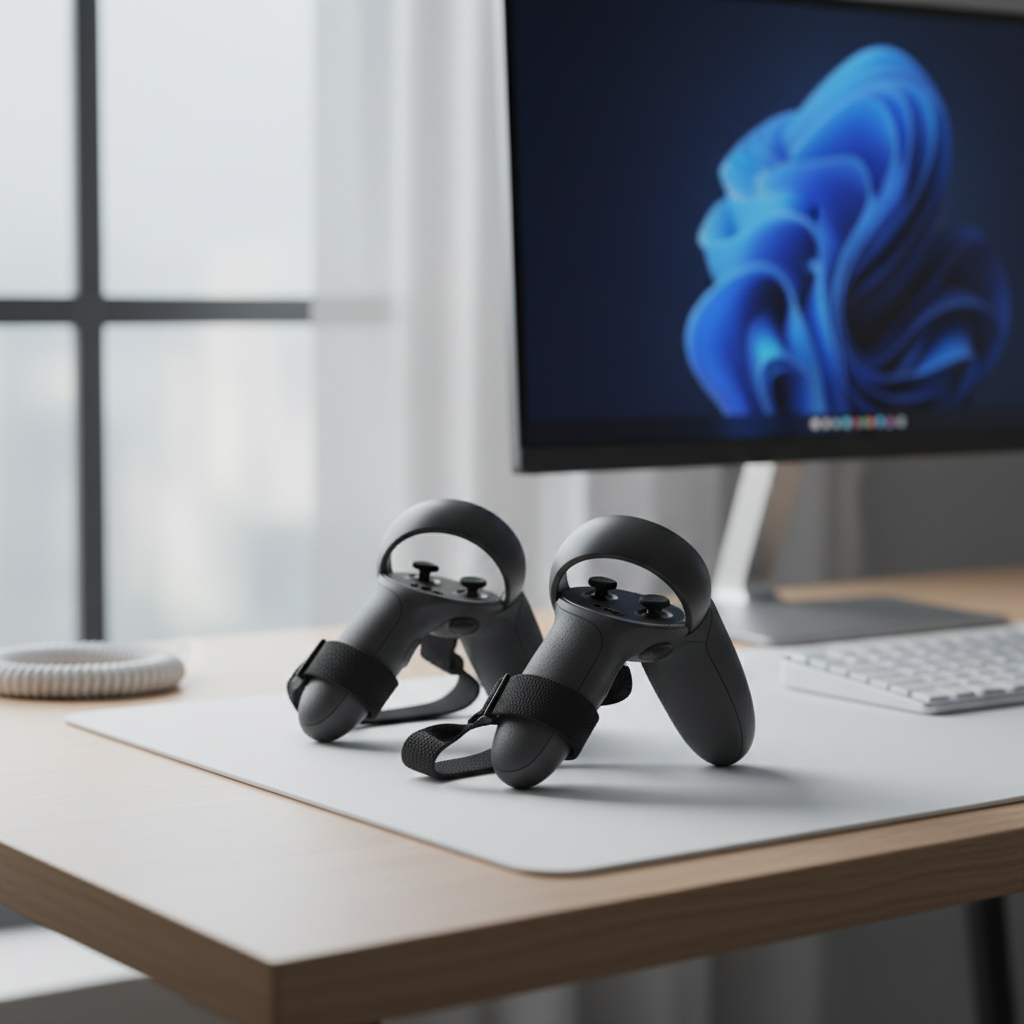
This guide walks through what actually matters when picking the best quest 3 grip accessories, how to match a grip style to your play habits, and a few realistic “buy once” suggestions so you avoid a drawer full of almost-right accessories.
What “grip accessories” really change (and what they don’t)
A good grip accessory changes your contact points, not your tracking. You’re aiming for a more secure hold, more consistent hand positioning, and less squeeze pressure over time.
- Security: Knuckle straps let you open your hand without dropping the controller, great for rhythm games and active VR.
- Comfort: Better padding or a wider strap spreads pressure across the back of your hand.
- Consistency: Textured surfaces help your grip stay stable when hands get sweaty.
- Protection: Some grips add bumpers around the ring or body to reduce cosmetic damage.
What they typically won’t do is “fix” tracking issues caused by lighting, occlusion, or low controller battery. According to Meta (official support guidance), controller tracking is influenced by environment, controller power, and keeping sensors unobstructed, grip add-ons help only if they avoid blocking anything.
Grip types for Quest 3: quick comparison
Most shoppers end up choosing between three categories. Here’s the practical difference.
| Grip type | Best for | Pros | Trade-offs |
|---|---|---|---|
| Silicone grip cover (no strap) | Light, casual play | Cheaper, extra texture, basic protection | Less secure for fast swings, can feel “rubbery” |
| Knuckle strap add-on (with/without cover) | Fitness, rhythm, shooters | Hands-open security, less squeeze fatigue | Fit matters a lot, can interfere with battery access |
| Full replacement grip with integrated strap | Frequent players, shared households | Better ergonomics, cleaner fit, often more adjustable | More expensive, setup takes longer |
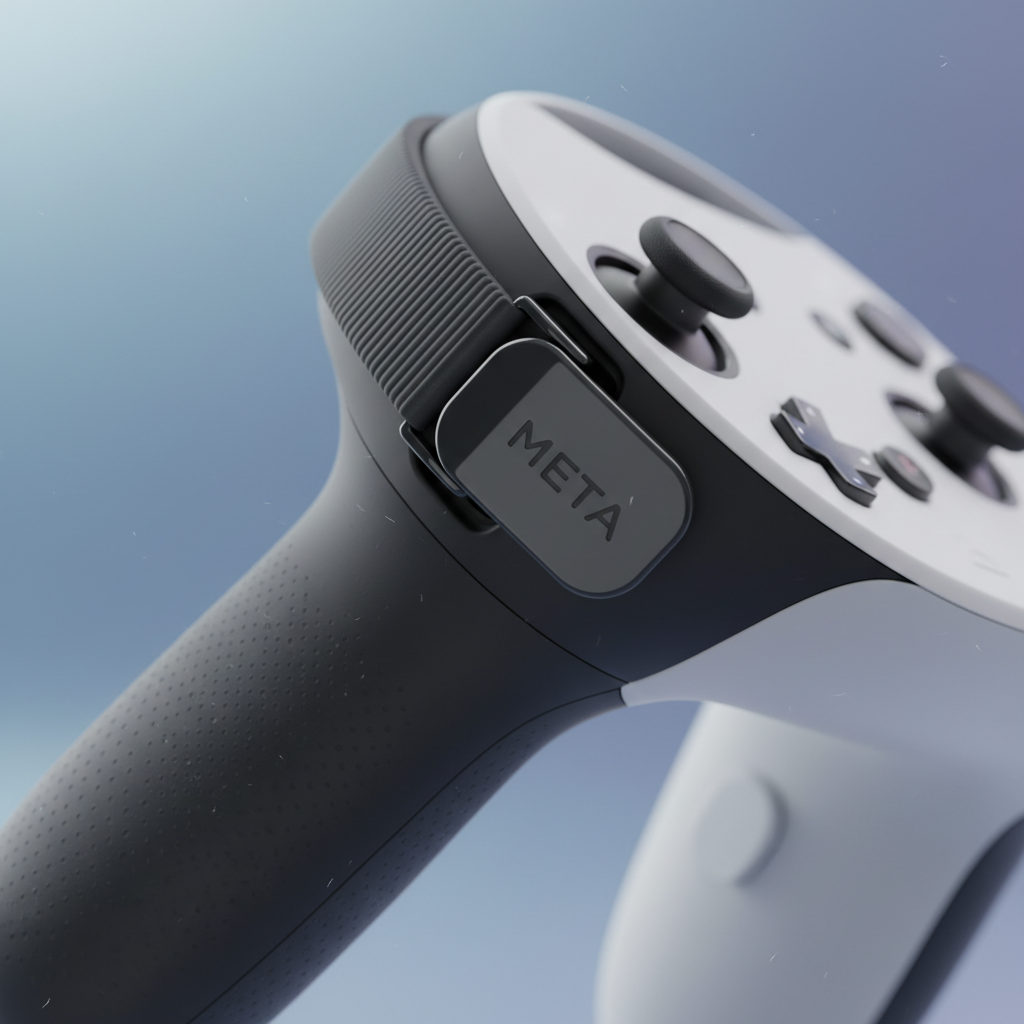
How to choose the best quest 3 grip accessories for your play style
If you buy based on “top rated” alone, you’ll miss the fit details that decide whether you love it or remove it in a week. Use this as a quick filter.
Pick based on game motion
- High-swing games (Beat Saber, boxing, fitness): prioritize a knuckle strap with strong anchor points and easy tension adjustment.
- Precision games (shooters, puzzles): look for slim grips that don’t bulk the handle, you want fine finger control.
- Mixed use (family sharing): choose a strap that adjusts quickly, or a grip that works well even when slightly loose.
Match your hand comfort needs
- If you get hand cramps: wider straps and a slightly thicker handle can reduce squeeze force.
- If you sweat a lot: textured, breathable materials help more than smooth silicone.
- If you have smaller hands: avoid overly thick covers, they can push your thumb reach out of its natural position.
Don’t ignore practical friction
Battery access and charging routines matter. If your strap blocks the battery door or makes docking awkward, you’ll feel it every session, even if the grip feels great mid-game.
A fast self-check: do you actually need grips (or a different fix)?
Before you spend money, run through these. It sounds basic, but it prevents “I bought grips and nothing changed” frustration.
- You tighten your grip during intense moments, then feel soreness after 30–60 minutes.
- The controller rotates slightly in your palm during fast swings.
- You pause to wipe hands or re-seat your grip multiple times per session.
- You’ve had at least one near-drop while adjusting your headset or face cover.
- Your household shares Quest 3, and the controllers feel inconsistent between users.
If your main problem is tracking jumps or drift, you may get more value from environment tweaks and controller maintenance than from grip accessories alone.
Recommended setups (by scenario, not by hype)
Instead of naming “one best” option, these setups map to what most players actually do. The best quest 3 grip accessories are the ones you keep installed because they fit your routine.
Scenario A: Fitness and sweat-heavy sessions
- Primary: knuckle straps with quick adjustment
- Plus: textured grip surface (rubberized or fabric-backed) to reduce slip
- Nice-to-have: ring bumpers if you move close to walls
Tip: choose a strap that stays comfortable when slightly damp, some materials feel fine dry but start rubbing once moisture builds.
Scenario B: Shooters and long sessions
- Primary: slim grip cover or ergonomic replacement grip
- Plus: a knuckle strap with moderate tension, not overly tight
- Nice-to-have: a strap that keeps the controller stable without shifting your trigger finger angle
In shooters, the “perfect” strap tension is usually looser than you think, you want stability, not a death grip that tires your hand.
Scenario C: Shared household, frequent pass-around
- Primary: integrated straps with easy size changes
- Plus: materials that clean quickly (skin oils add slip over time)
If you regularly swap users, complicated buckle systems get old fast, simple tension pulls tend to win in real life.
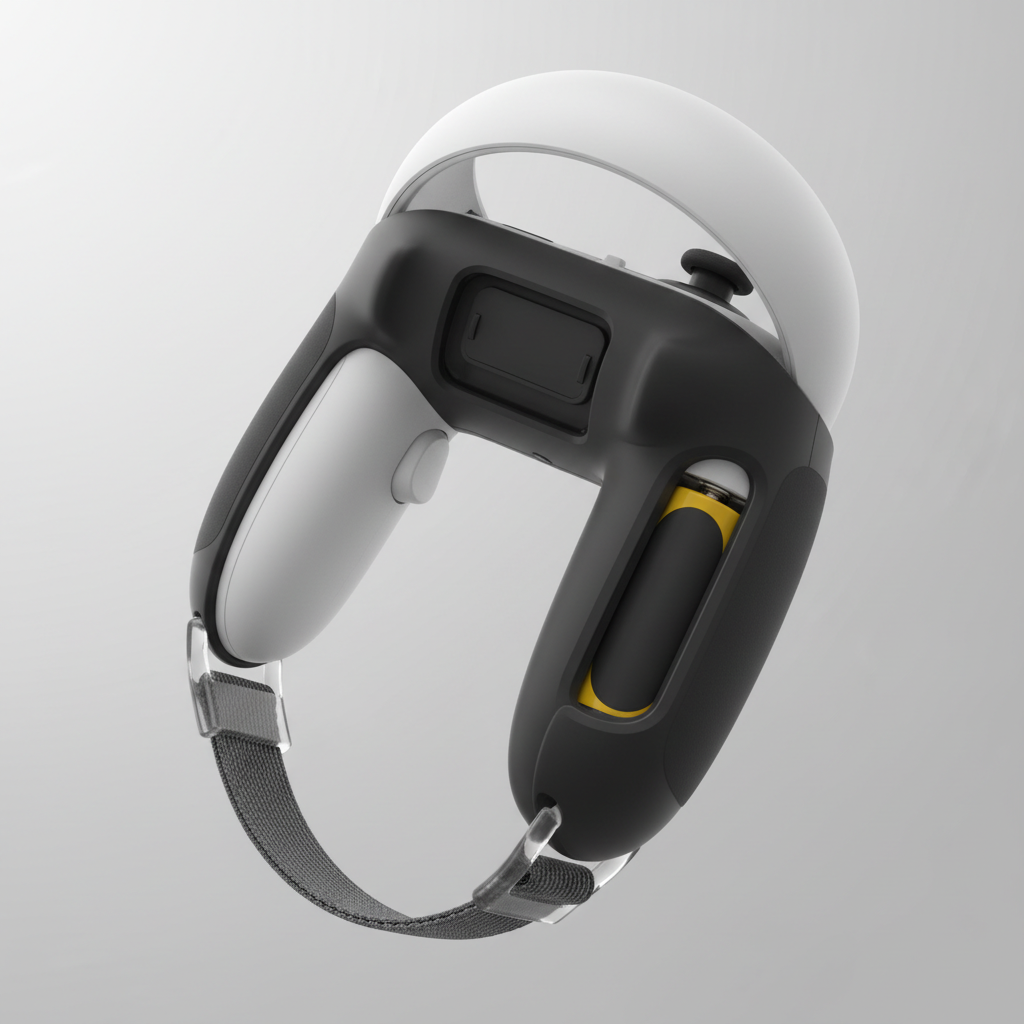
Installation and fit tips (this is where most people get annoyed)
Grips are simple, but small mistakes create constant micro-irritations.
- Set strap length while relaxed: your hand should sit naturally, then tighten a touch. If you set it while clenching, it ends up too tight.
- Check thumb reach: after installation, confirm you can hit stick and buttons without stretching.
- Confirm sensor clearance: don’t cover any areas that could interfere with tracking.
- Test battery routine: practice a battery swap once, if it’s a fight, you’ll resent it later.
- Re-check after 2–3 sessions: straps settle, and the “right” tension often changes slightly.
Common mistakes and safety notes
A few pitfalls show up over and over, and they’re easy to avoid.
- Over-tightening straps: can cause numbness or hot spots. If you feel tingling, loosen and take breaks, and consider asking a medical professional if symptoms persist.
- Assuming thicker is always better: too much bulk can reduce control and increase thumb strain.
- Ignoring cleaning: silicone can get slick from skin oils. A quick wipe with a mild cleaner (per manufacturer guidance) usually helps.
- Buying without checking compatibility: Quest 3 controller geometry differs from older models, “universal” grips sometimes fit poorly.
Also, if you play high-motion titles, use the wrist strap if your setup supports it, and keep a safe play area. According to Consumer Product Safety Commission (CPSC) guidance on consumer safety, injury prevention often comes down to using products as directed and maintaining a safe environment, VR is no exception.
Key takeaways before you buy
- Choose by scenario: fitness and shooters want different grip traits.
- Knuckle straps usually deliver the biggest “wow” because they reduce squeeze fatigue.
- Battery access and adjustment speed decide whether you keep the accessory installed.
- Comfort beats hype: the best quest 3 grip accessories are the ones that disappear in your hands.
If you want one simple next step, pick a reputable knuckle strap system with quick adjust, install it carefully, then run a 20-minute test in your most demanding game before committing to anything more complex.
FAQ
- Do Quest 3 grips affect controller tracking?
Usually not, as long as the accessory doesn’t block or interfere with the controller’s tracking surfaces. If tracking feels worse after installation, remove the grip and re-check fit and clearance. - Are knuckle straps better than silicone covers?
For active play, often yes, because straps reduce the need to squeeze. Silicone covers help with texture and protection, but they don’t stop the controller from shifting in your hand. - What if my hands are small, will grips make it worse?
Some thicker covers can push your thumb reach outward. Look for slimmer profiles or adjustable straps that don’t add much bulk to the handle. - Can grip accessories help with hand fatigue?
They can, especially straps that let you relax your grip. If fatigue is severe or comes with numbness, it’s smart to take breaks and consider professional advice. - How do I clean Quest 3 grip accessories?
In many cases a damp cloth and mild soap works, but follow the accessory maker’s care instructions. Avoid harsh chemicals that can degrade rubber or coatings. - Will grips get in the way of swapping batteries?
Some designs do. Before you buy, check whether the grip mentions easy battery door access, and once installed, test the swap process once so it doesn’t surprise you later. - Should I buy ring protectors too?
If you play in a tight space or do lots of wide swings, ring protection can reduce scuffs. It’s less important if you have a roomy play area and already use boundary settings.
If you’re trying to make your Quest 3 feel more secure without turning setup into a chore, start with a strap-focused grip and prioritize comfort plus battery access, that combo tends to stay on your controllers long-term.