
how to play fortnite in vr 2026 usually starts with a slightly annoying truth: Fortnite still isn’t an “official VR game” in the way Beat Saber or Half-Life: Alyx is, so what you’re really doing is choosing a practical workaround that fits your headset, PC, and comfort level.
If you’ve been Googling this, you’re not alone, the VR scene moves fast, Fortnite updates constantly, and most guides either promise magic or skip the parts that actually trip people up, like input mapping, motion sickness, or performance tuning.
This guide walks through the realistic ways people play Fortnite “in VR” today, what each method looks like in real use, how to set it up without wrecking your frame rate, and when it’s smarter to stop fiddling and just play flat for the night.
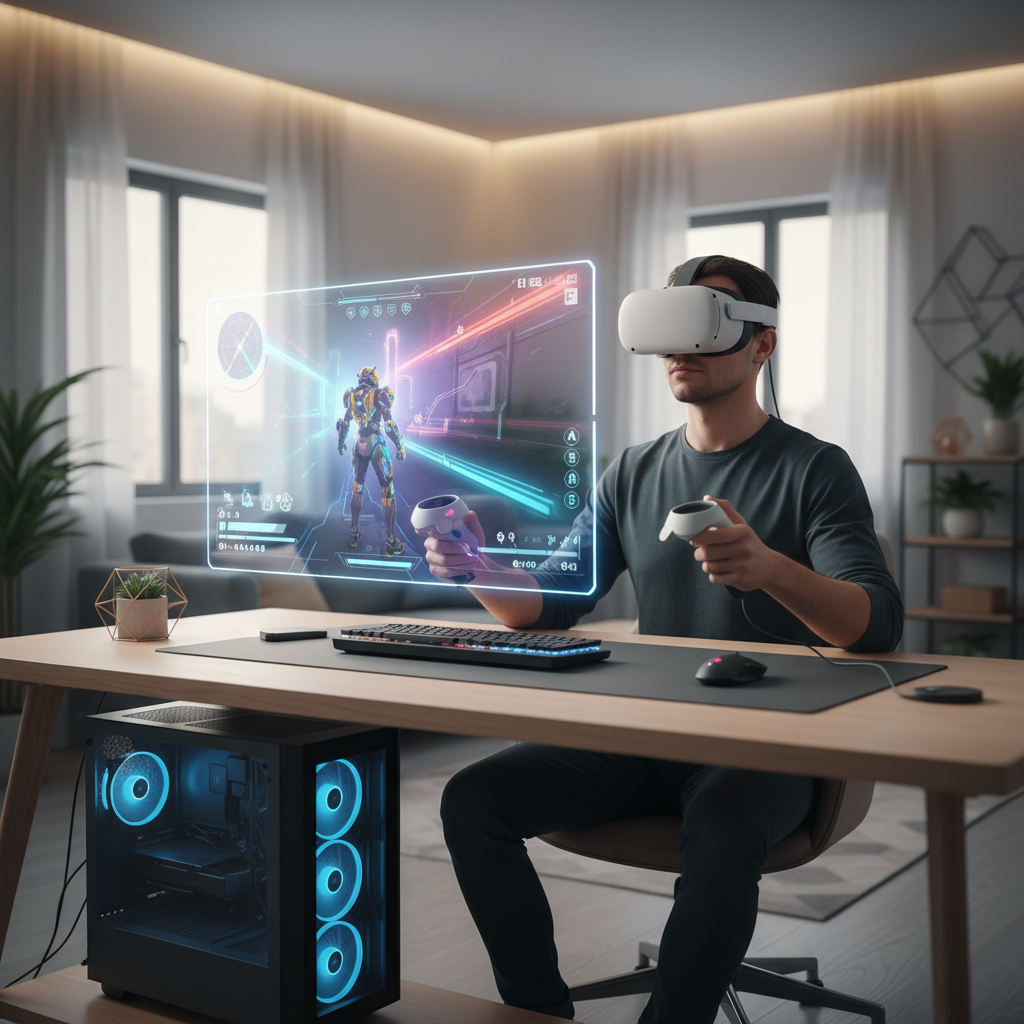
What “Fortnite in VR” actually means in 2026
Most players mean one of two experiences, and they feel very different.
- VR theater mode: Fortnite runs normally, but you view it on a huge virtual screen inside your headset. You keep standard controls (controller, mouse/keyboard). This is the most stable route.
- VR-like head tracking / modded approaches: You try to add head movement, different camera behavior, or special rendering tricks. This can be impressive when it works, and frustrating when it doesn’t.
For most people, theater mode is the sweet spot: it’s simple, doesn’t fight Fortnite’s anti-cheat as much, and you still get the “big screen in a headset” immersion without trying to force true motion controller gameplay.
Key point: if a tutorial claims “full native Fortnite VR with motion controls,” read it skeptically. In practice, many methods break after updates or can raise account-risk concerns if they rely on unsupported injection tools.
Before you start: quick compatibility and comfort checklist
Before you chase settings, you want to know which bucket you’re in. These quick checks save time.
Hardware and platform
- Headset type: PC VR (Valve Index, Rift-type), or standalone (Quest-class) used with PC streaming.
- Gaming PC: a dedicated GPU typically matters more than CPU for smooth VR viewing, because you’re rendering Fortnite plus the VR environment.
- Connection: USB cable link or Wi‑Fi streaming, Wi‑Fi quality often decides whether the experience feels “premium” or “why is this blurry.”
Comfort and safety
- If you get motion sick easily, start with seated play and no artificial head bob.
- Plan for breaks, eye strain and nausea can build quietly.
- If you have a medical condition that could be affected by VR, it’s sensible to consult a clinician before long sessions.
According to the Meta safety guidance for VR headsets, users should take regular breaks and stop if they feel discomfort, which is especially relevant when you’re staring at a “giant virtual monitor” for long matches.
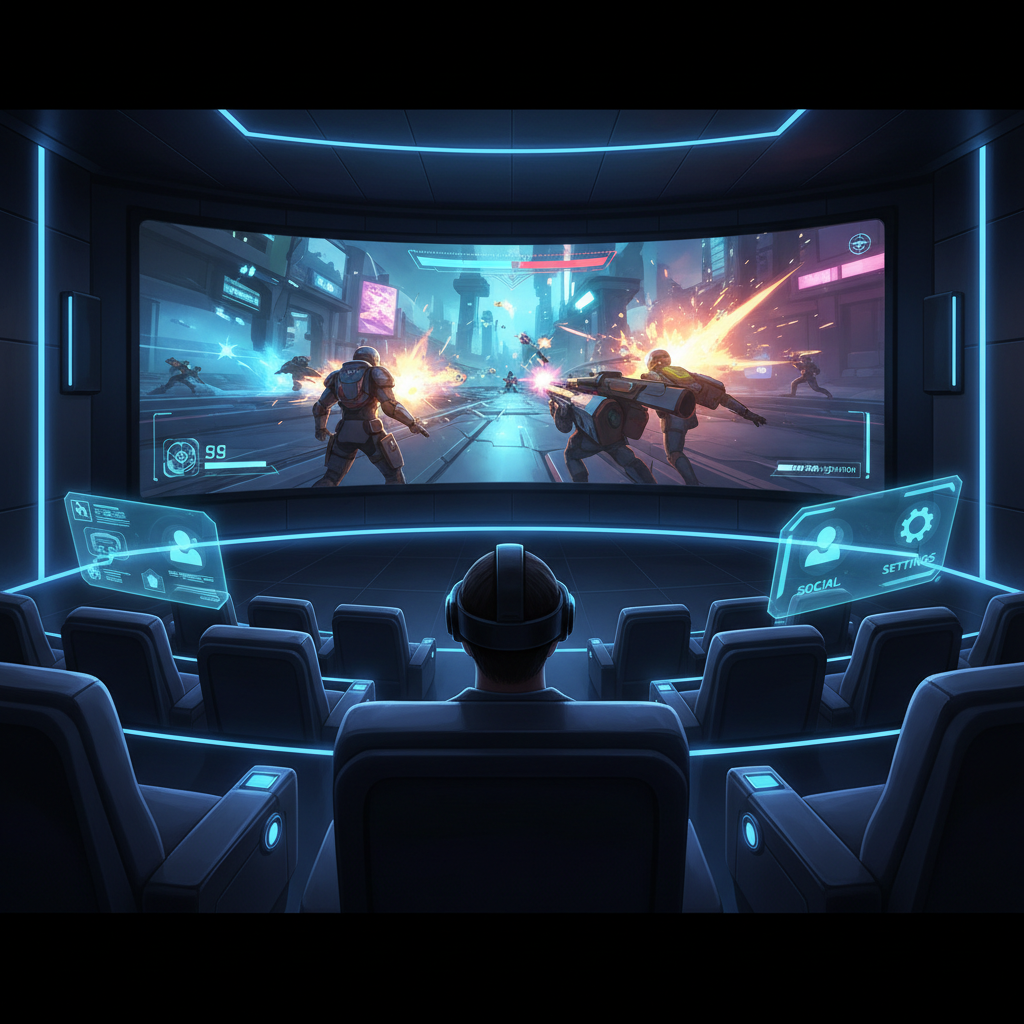
The simplest method: play Fortnite on a giant virtual screen (recommended)
If your goal is straightforward, “I want Fortnite in my headset with a big screen,” this is typically the cleanest path in 2026.
How it works
- You launch a VR desktop/theater app.
- You open Fortnite on your PC like normal.
- You play using your usual input, while viewing the game on a massive virtual screen.
This approach rarely interferes with Fortnite updates, and you can keep competitive settings like familiar sensitivity and keybinds.
Typical setup steps (what you actually do)
- Pick your VR display app: common choices are Virtual Desktop-style apps, SteamVR theater, or vendor desktop solutions.
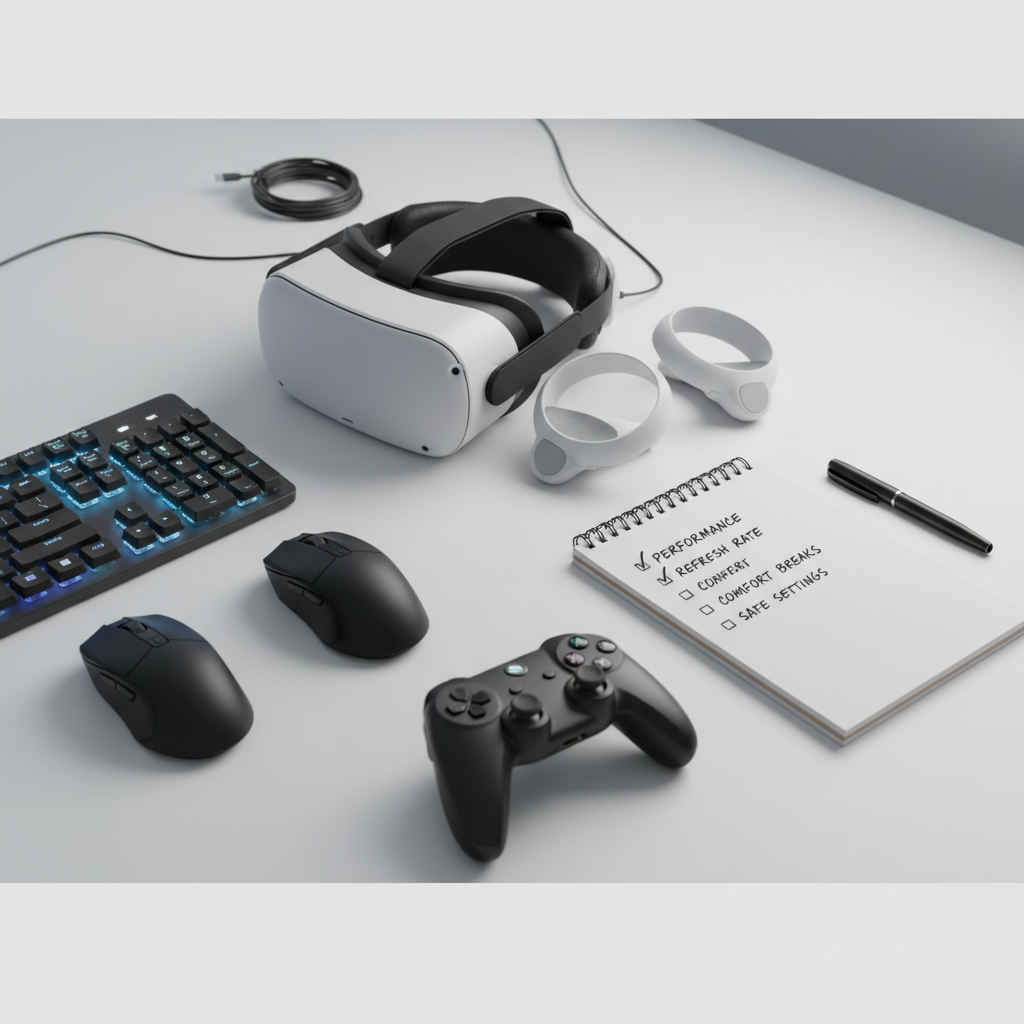
- Set your target refresh rate: 72/80/90Hz is a practical starting point. Higher can feel better, but demands more stability.
- Cap Fortnite FPS to match: aim for a stable cap near your headset refresh or a clean fraction of it, stability beats peak numbers.
- Use fullscreen/windowed fullscreen: whichever your VR desktop app handles more reliably, many setups behave better with borderless windowed.
Practical tip: turn off extra overlays you don’t need (recorders, FPS overlays, chat overlays). In VR, small stutters feel bigger than on a monitor.
Performance tuning that matters (and the stuff that usually doesn’t)
When people ask how to play fortnite in vr 2026, they often assume they need exotic VR tweaks. Most of the time, it’s basic performance hygiene.
Settings that usually help
- Fortnite: Performance Mode can reduce latency and spikes on many PCs, though visuals look flatter.
- Lower shadows and effects: these are frequent hitch sources in busy fights.
- Resolution discipline: don’t crank both Fortnite resolution and VR supersampling, pick one priority.
- Network consistency for wireless streaming: a dedicated 5GHz/6GHz router nearby often makes more difference than a small GPU upgrade.
Things people over-focus on
- Chasing max graphics: in headset viewing, sharp motion and stable frames feel more “high-end” than ultra shadows.
- Unlimited FPS: it tends to create inconsistent frame pacing, which feels worse in VR.
According to NVIDIA guidance on latency and smooth gameplay, consistent frame delivery and keeping system load under control are key factors for perceived responsiveness, that mindset applies even more when you’re streaming to a headset.
Input and controls: keep it boring on purpose
The fastest way to ruin your night is overcomplicating inputs. Fortnite already has enough muscle-memory baked in.
- Controller: easiest for couch-style VR theater play, minimal desk juggling.
- Mouse and keyboard: best for competitive habits, but you’ll want a stable seated setup so you can find keys without lifting the headset.
- Voice chat: check mic routing in your VR app, “wrong mic” problems are common and annoy your squad quickly.
If you experiment with remappers, keep it to harmless quality-of-life changes and avoid tools that look like game tampering. Fortnite’s competitive ecosystem is sensitive to automation and injection behavior, and that’s not a place you want surprises.
Account risk, anti-cheat, and what to avoid
This is the unfun section, but it’s where a lot of guides quietly wave their hands. In many cases, “true VR mods” collide with anti-cheat expectations.
- Avoid anything that injects code into the game process, patches binaries, or claims to “bypass” checks.
- Be cautious with unofficial camera/hook tools that alter rendering paths, updates can break them, and anti-cheat flags can be unpredictable.
- Prefer external viewing methods (virtual screen) that don’t change Fortnite itself.
According to Epic Games communications on competitive integrity and cheating policies, the company invests heavily in anti-cheat and enforcement, so staying on the “supported, non-invasive” side is the safer posture even if it feels less exciting.
Quick-start table: choose your best path
If you just want a decision, use this. You can always upgrade later.
| Goal | Best approach | What you need | Tradeoffs |
|---|---|---|---|
| Big immersive screen, minimal hassle | VR theater / VR desktop | Headset + PC + VR desktop app | No motion controls, still “flat” gameplay |
| Lowest latency for sweaty matches | Stick to monitor (or theater with wired link) | Strong PC, wired connection | Less comfort, less immersion |
| Experiment with VR-like feel | Non-invasive viewing + camera tweaks (if safe) | Time to test after updates | Can break, may feel inconsistent |
| Comfort-first casual sessions | Theater mode seated + controller | Stable chair, simple audio routing | Lower competitive precision for some players |
Real-world troubleshooting (the problems people actually hit)
“It’s blurry or smeary”
- Lower streaming bitrate volatility, try wired link first.
- Reduce VR supersampling before lowering in-game resolution, this often improves text clarity.
- Make sure your Wi‑Fi isn’t sharing heavy traffic with other devices.
“I get random stutters in fights”
- Cap FPS, turn down effects, and close background apps.
- Switch Fortnite to a mode that prioritizes consistency over visuals.
- Check thermals, laptops in particular can throttle and feel fine on a monitor but terrible in headset viewing.
“My mic doesn’t work in party chat”
- Select the headset mic explicitly in Windows and in Fortnite.
- In your VR desktop app, confirm it isn’t hijacking audio input/output unexpectedly.
Key takeaways and a practical next step
If your main question is how to play fortnite in vr 2026 without turning it into a weekend project, aim for the virtual screen approach, keep your controls standard, and focus on stability over peak settings. When it feels good, then experiment carefully.
- Do this first: VR theater mode + FPS cap + lower effects for consistent frame pacing.
- Do this next: refine clarity and latency by improving connection quality (wired or strong local Wi‑Fi).
If you want, tell me your headset model and whether you play on a desktop or laptop, and I can suggest a sane starting refresh rate, resolution strategy, and a short settings checklist that matches your setup.